
By the Astrophiles Team
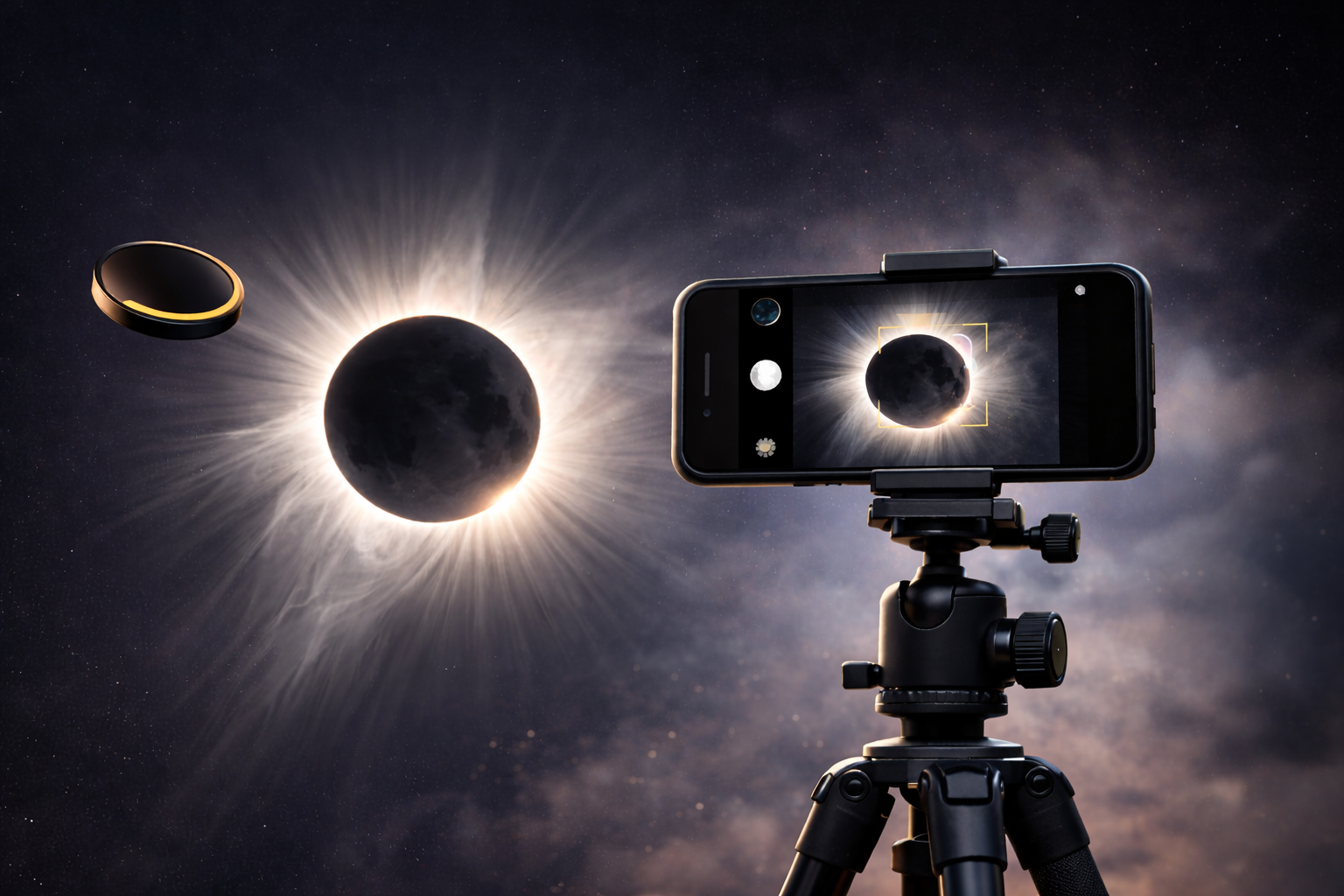
Capturing Smartphone Solar Eclipse Photography 2026 is the best way to preserve memories of the August 12 event without lugging around heavy professional equipment. While photographing the sun may seem daunting, with the right solar filter for phone and a few technical tweaks, your mobile device can produce stunning images of the corona.
To photograph the Total Solar Eclipse August 12 2026 with a smartphone, you must use an ISO 12312-2 certified solar filter during the partial phases to protect your sensor. Use a tripod, lock your focus on the sun, and lower the exposure manually. During the brief moment of totality, remove the filter to capture the glowing solar corona.
Essential Gear Checklist
To ensure your Smartphone Solar Eclipse Photography 2026 is successful, you need more than just a camera app.
| Equipment | Why You Need It |
Solar Filter / Spare Glasses |
Prevents the sun from “blowing out” your photo and damaging the sensor. |
Compact Tripod |
Essential for preventing “jiggle” when you zoom in on the crescent sun. |
Bluetooth Remote |
Allows you to snap photos without touching (and shaking) the phone. |
External Zoom Lens |
A 12x or 20x clip-on lens provides a much larger, clearer image of the moon’s disk. |

Step-by-Step Guide to Smartphone Solar Eclipse Photography 2026
Step 1: The Solar Filter Hack
Don’t have a professional lens filter? You can tape a spare pair of ISO-certified eclipse glasses over your phone’s lens. Just make sure there are no gaps where light can leak in! This is the most important step for eye safety for eclipse photography.

Step 2: Lock Focus & Exposure
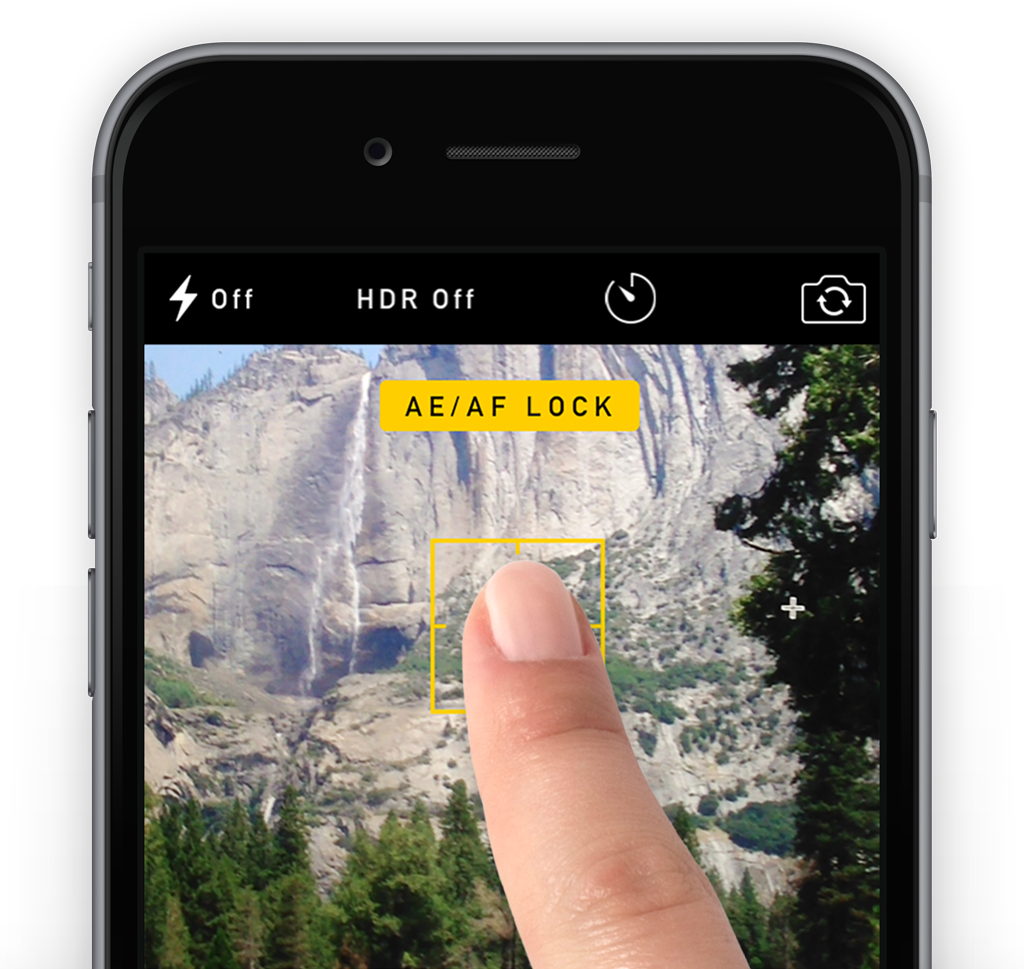
Open your camera app, tap the Sun on your screen, and hold until the “AE/AF Lock” appears. Slide your finger down to lower the exposure until the Sun looks like a sharp, crisp disk rather than a bright blob. Mastering these mobile phone exposure settings is the difference between a pro shot and a blurry mess.
Step 3: Kill the Flash
This is the #1 mistake. Turn off your flash manually. It won’t help with the sun, and it will ruin the dark atmosphere for everyone around you.
Capturing Totality: How to Photograph the Solar Corona
When the moon completely covers the sun, the world goes dark. This is the only time you MUST remove your solar filter for phone. Your camera needs all the light it can get to see the delicate, wisps of the solar corona. This rare “Golden Corona” is the highlight of the Total Solar Eclipse August 12 2026.
Creative Ideas (Beyond the Sun)
-
Shadow Bands: Use your phone to record a video of the ground 30 seconds before totality. You might catch the mysterious “shadow snakes” shimmering on the earth.

-
The “Reaction” Video: Set up a second phone on a tripod facing you and your friends. The look of awe on your faces when totality hits is often a better memory than the photo of the sun itself!
Best Apps for Astrophiles in 2026
The default camera apps on modern phones are getting better, but for total control, I recommend these:
-
For iPhone Users: ProCamera or Halide Mark II. These allow you to shoot in RAW format, which lets you recover details from the shadows during the eclipse.
-
For Android Users: Expert RAW (Samsung) or Camera FV-5. These give you a “DSLR-like” interface that is perfect for long-exposure shots of the night sky.
-
Solar Eclipse Timer: This app uses your GPS to give you a countdown for the exact second of totality at your location, telling you exactly when to “Filters Off!”
-
FAQ: Smartphone Solar Eclipse Photography 2026
Can a solar eclipse damage my phone camera? Yes. Without an ISO 12312-2 certified filter, the concentrated sunlight can permanently burn the pixels on your phone’s sensor during the partial phases.
What is the best app for solar eclipse photography? While the native app works, apps like Camera+ 2 (iOS) or Expert RAW (Android) allow for better manual control over ISO and shutter speed.
Where can I see the full path of totality? Before you start shooting, make sure you are in the right spot! Check out our Total Solar Eclipse August 12 2026 Guide for exact timings and locations.